How to Update Teamcenter BMIDE
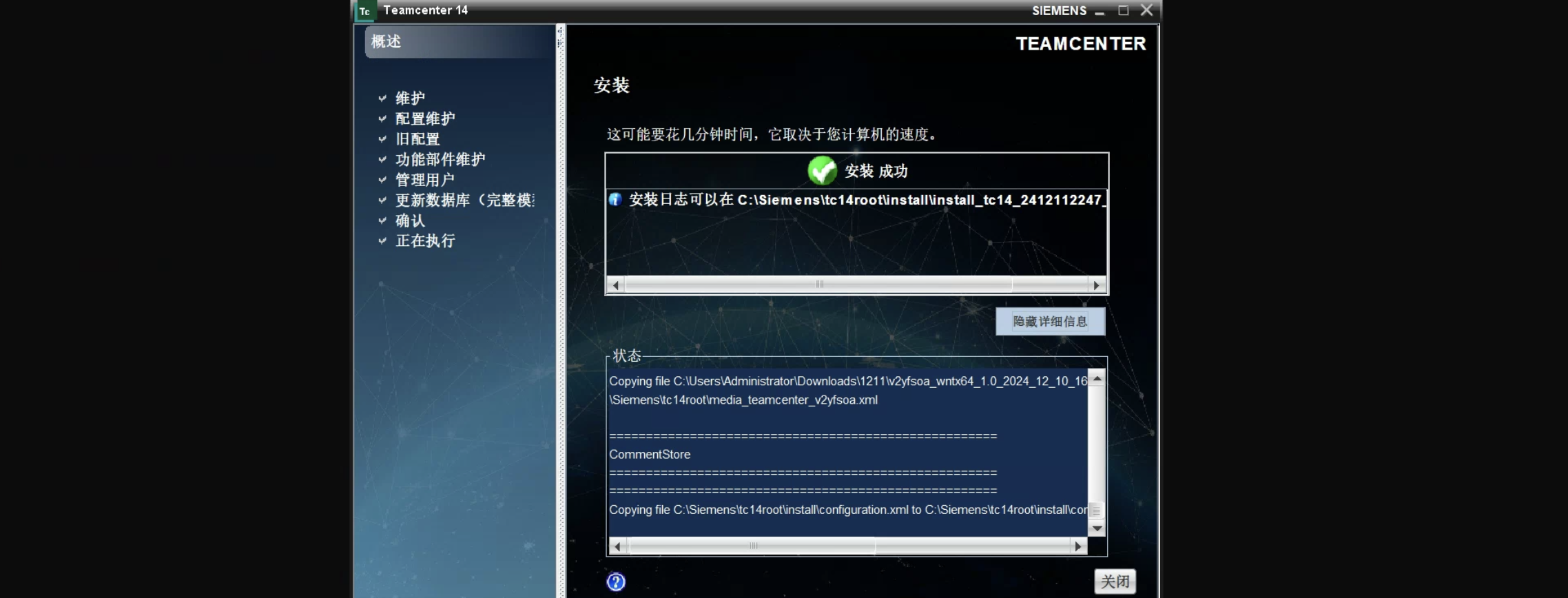
How to Update Teamcenter BMIDEUpdate Data Model1. Open Teamcenter Environment Manager2. Select "Configuration Manager" 3. Select "Maintain Existing Configuration" 4. Select Your Existing Configuration 5. Select "Update Database (Full Model)" ⚠️Please close all TC services before updating, including two-tier clients, four-tier clients, AWC server, etc. 6. Enter Username and Password 7. Select Update Template Select "Browse" file Set file type to "...
Creating a Custom Lyrics Display Widget in BetterTouchTool
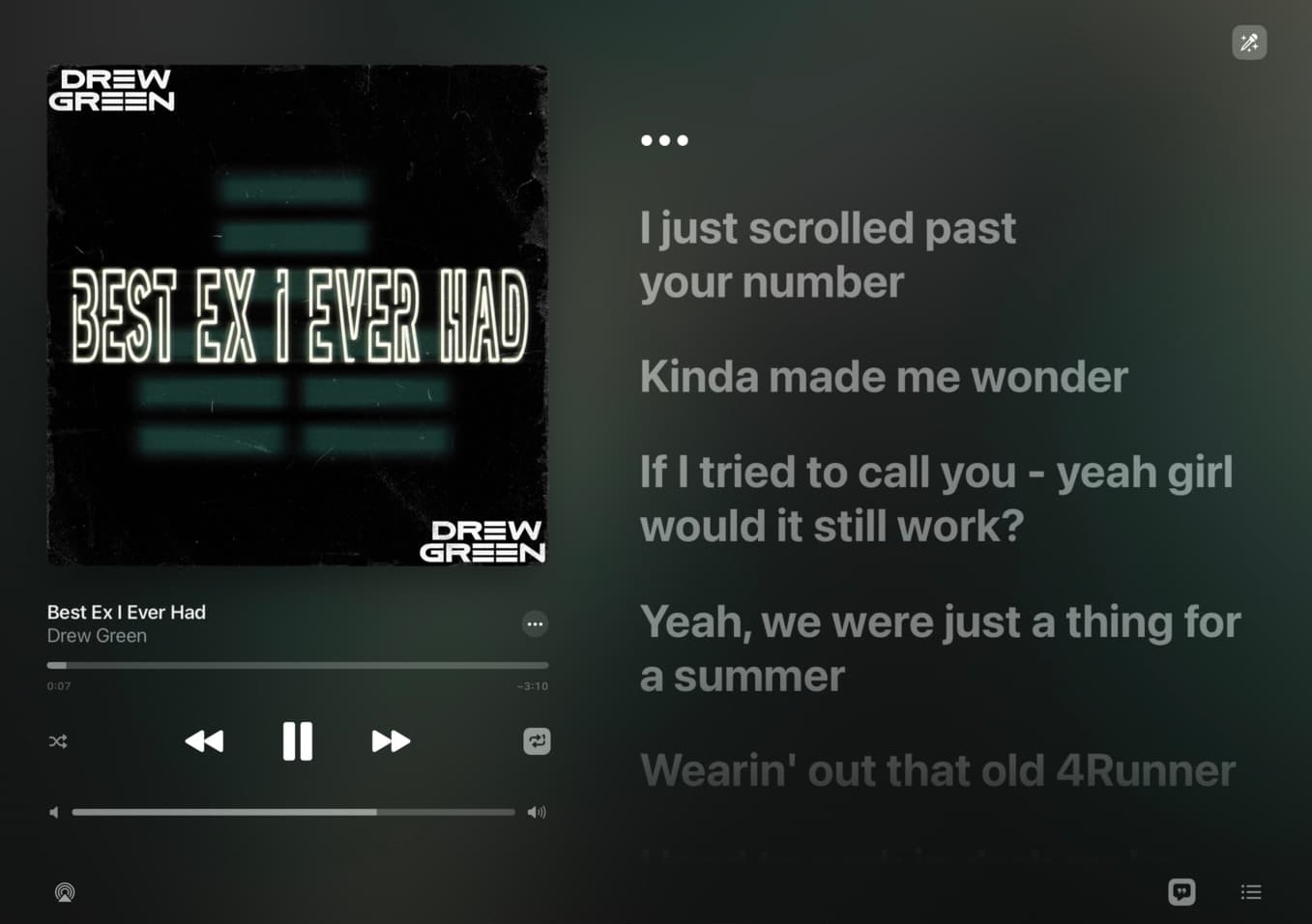
Touchbar Lyric Reference official documentation: https://github.com/ChenghaoMou/touchbar-lyric Install PythonThe installation process won't be detailed here, you can use tools like brew, python.org official website, pyenv, conda, etc. for installation. ⚠️ Issues to note: Python versions 3.9.x and 3.10.x will output error messages in the widget: 1NotOpenSSLWarning: urllib3 v2 only supports OpenSSL 1.1.1+, currently the 'ssl' module is compiled with 'LibreSSL 2.8.3' ...

BetterTouchTool Best Practices
Window Always on TopSetup Method Effect Custom Snap AreasSetup Method Create New Snap Area Configure Snap Region Effect Custom Notch AreaPersonal Recommendations Media Player Weather Lyrics See this tutorial: TODO Effect Shortcuts Command + R Window Always on Top Command + E Window Custom Snap Works with pinned iPhone mirroring Command + Shift + R Window Maximize
Publish your intranet services to the public network - use FRP for network penetration
Official documentation:https://gofrp.org/en/docs System RequirementsAs it is written in Go language, the system requirements are consistent with the latest Go language requirements for systems and platforms. For details, please refer to Golang System requirements. DownloadYou can download the latest version of the client and server binaries from the Release page on GitHub. All files are packaged in a zip file, which also includes a complete set of configuration parameter descriptions. Depl...

Connecting to GitHub with SSH
Github official documentation - Connecting to GitHub with SSH:https://docs.github.com/en/authentication/connecting-to-github-with-ssh What is Github SSH ConnectionWhen managing Git projects, login authentication is required to perform Clone, Commit, Pull, Push, etc. There are two ways to login: HTTPS: Data is transmitted in an encrypted way. Login is verified through account password. SSH: Provides a secure channel over an insecure network. Login is verified through SSH key. The main dif...
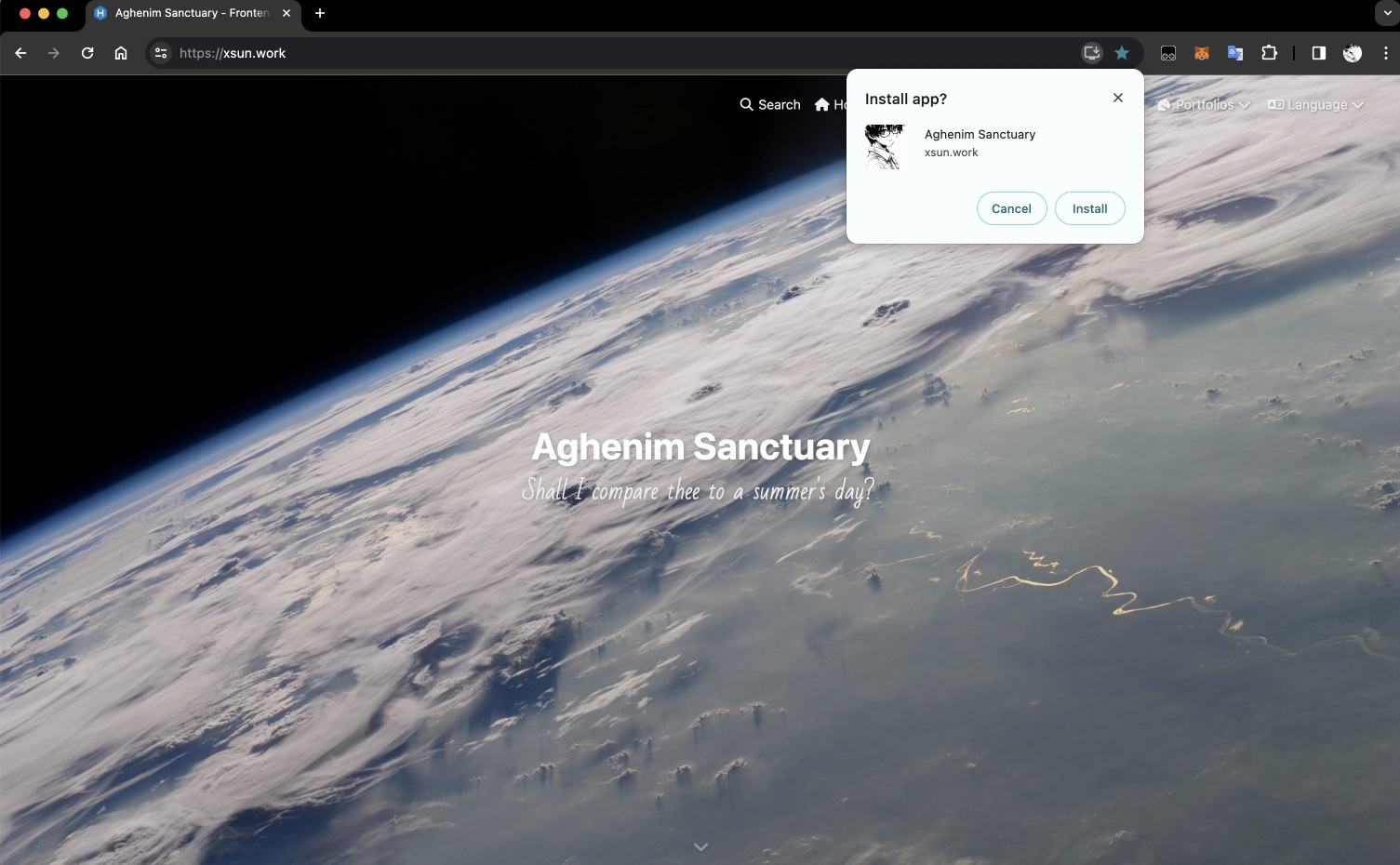
Hexo adds PWA Web App support by Butterfly Theme
This solution is based on the Butterfly theme for Hexo, for details see Butterfly - Hexo Theme Installation and Configuration What is PWAProgressive Web Apps (PWA) are applications built using web platform technologies, but they provide a user experience akin to an app specific to a platform. Like websites, PWAs can run on multiple platforms and devices with a single code base. Like an app specific to a platform, they can be installed on devices, run offline and in the background, and integra...
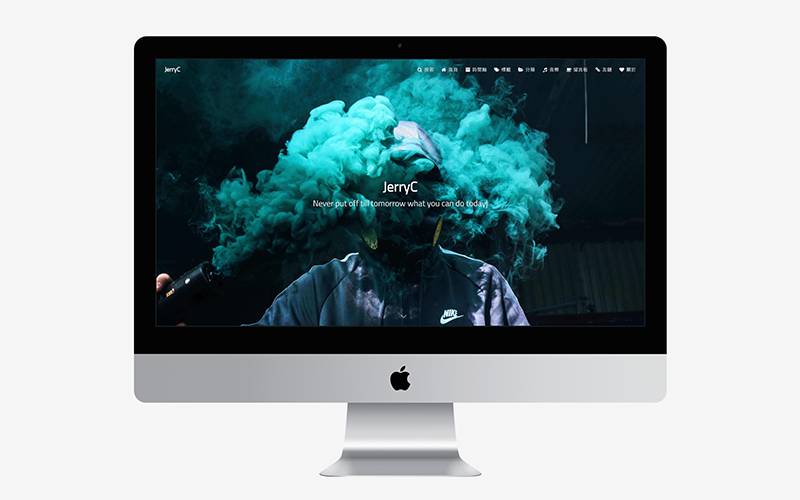
Butterfly - Hexo theme installation and configuration
Theme SelectionThe official website offers over 400 themes for selection (https://hexo.io/themes/). However, since Hexo itself is just a static web page framework driven by Markdown documents, a lot of functionalities are actually implemented by theme authors and plugin authors, leading to significant differences between themes. Butterfly Butterfly is what I consider a standout among Hexo themes: This project has been updated since 2019 and is still being updated stably, with its latest rel...
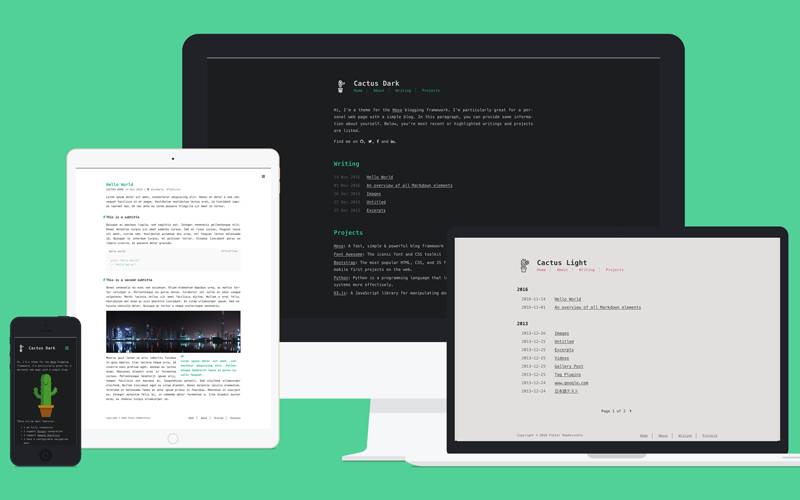
Create a personal blog with Hexo
Official Documentation: https://hexo.io/docs/ PrerequisitesYou will need: Node.js (12.0 or higher) Git To check your environment, please enter the following commands and ensure you get similar return results: 12345678git -v# git version 2.xx.xnode -v# v18.xx.xnpm -v# 10.x.x Initialize ProjectNavigate to the path where you want to store your blog source code and perform the following operations: 123hexo init <folder>cd <folder>npm install After initialization, the directory ...